01 / Your day
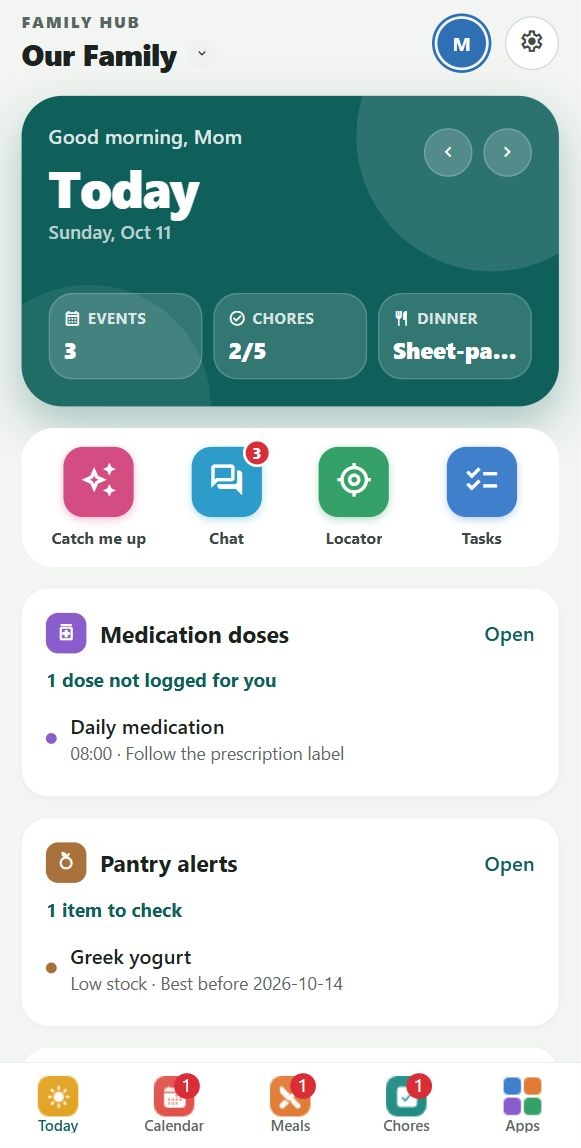
A Today that feels like you.
Choose your widgets, arrange your overview and keep your favorite apps close. Personalize the bottom bar, too.
 Family Hub
A little less juggling. A lot more together.
The plans, the groceries, the “where are you?” and the moments worth keeping. Give your family one colorful home for everyday life.
Built for iPhone and Android families. Currently in beta.
One family. Different phones. The same shared home.
Made for real family life
Choose your widgets, arrange your overview and keep your favorite apps close. Personalize the bottom bar, too.
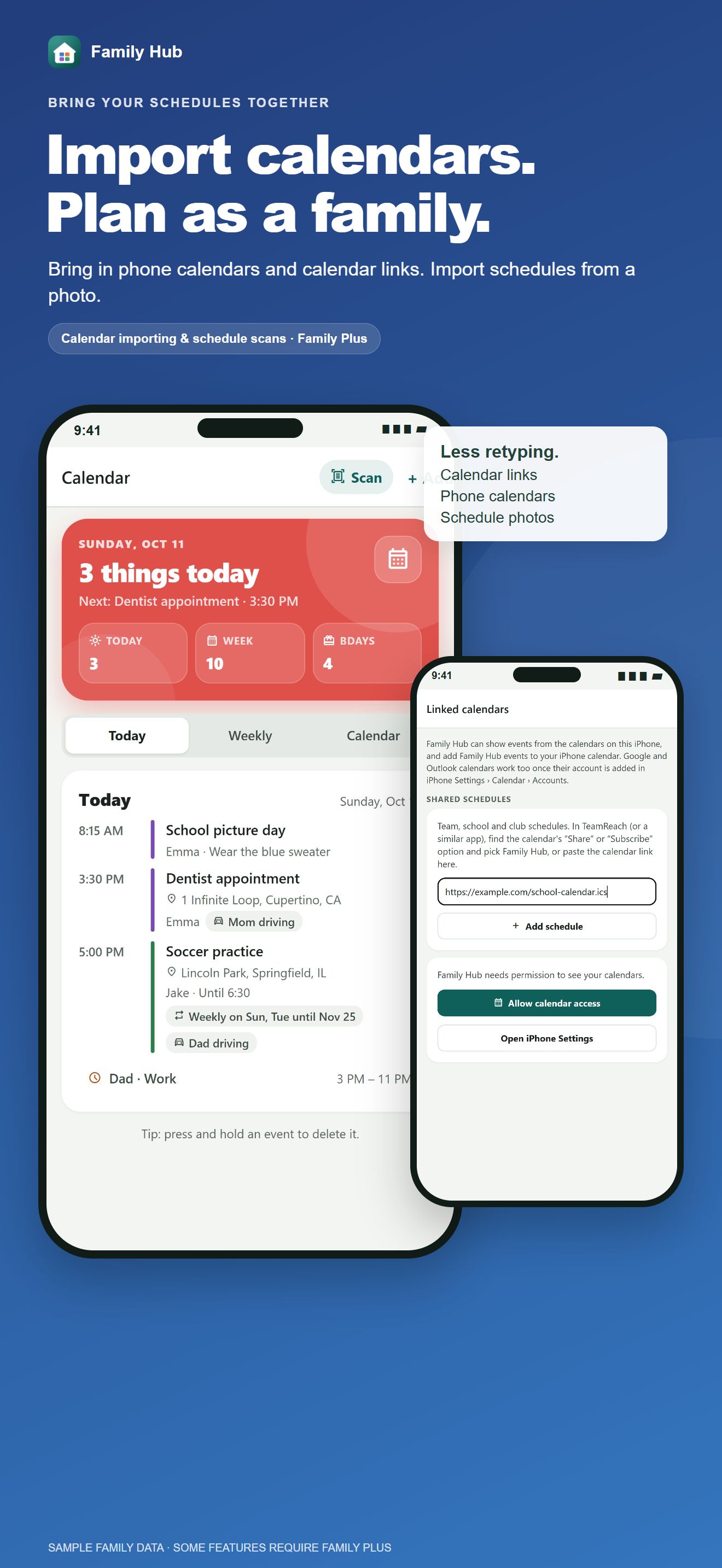
Import supported calendar files and subscribe to calendar links. Keep school, team, work and family plans in one place.
Import support depends on your calendar provider's formats and sharing options.
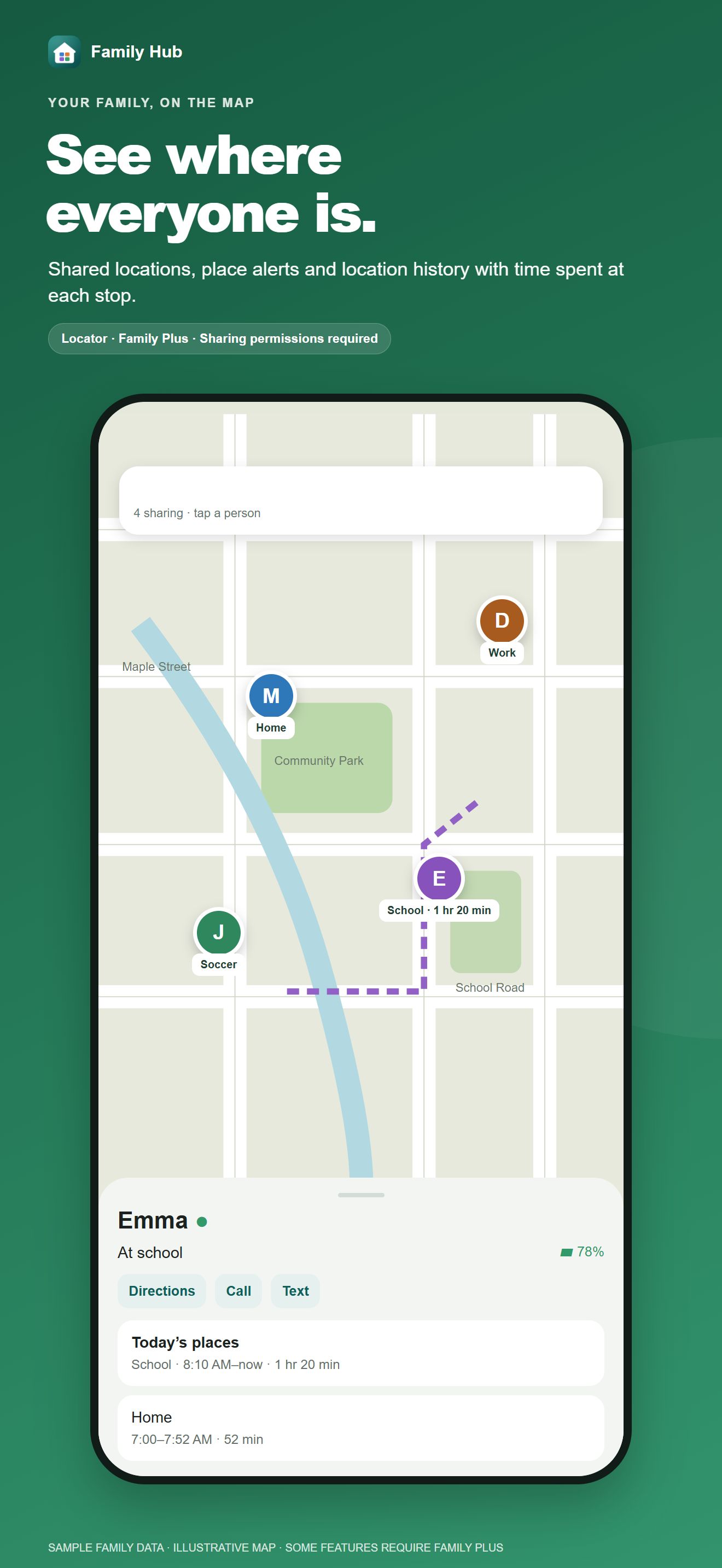
A family map, check-ins, saved places and location history help everyone stay in the loop. Sharing is controlled on each person's phone.
Updates depend on permissions, connectivity and device settings. SOS alerts your family; it does not dispatch emergency services.
Discover recipes, keep saved references in your collection and place them into a meal slot. Add your own meals, share groceries and scan pantry products.
Recipe discovery powered by fatsecret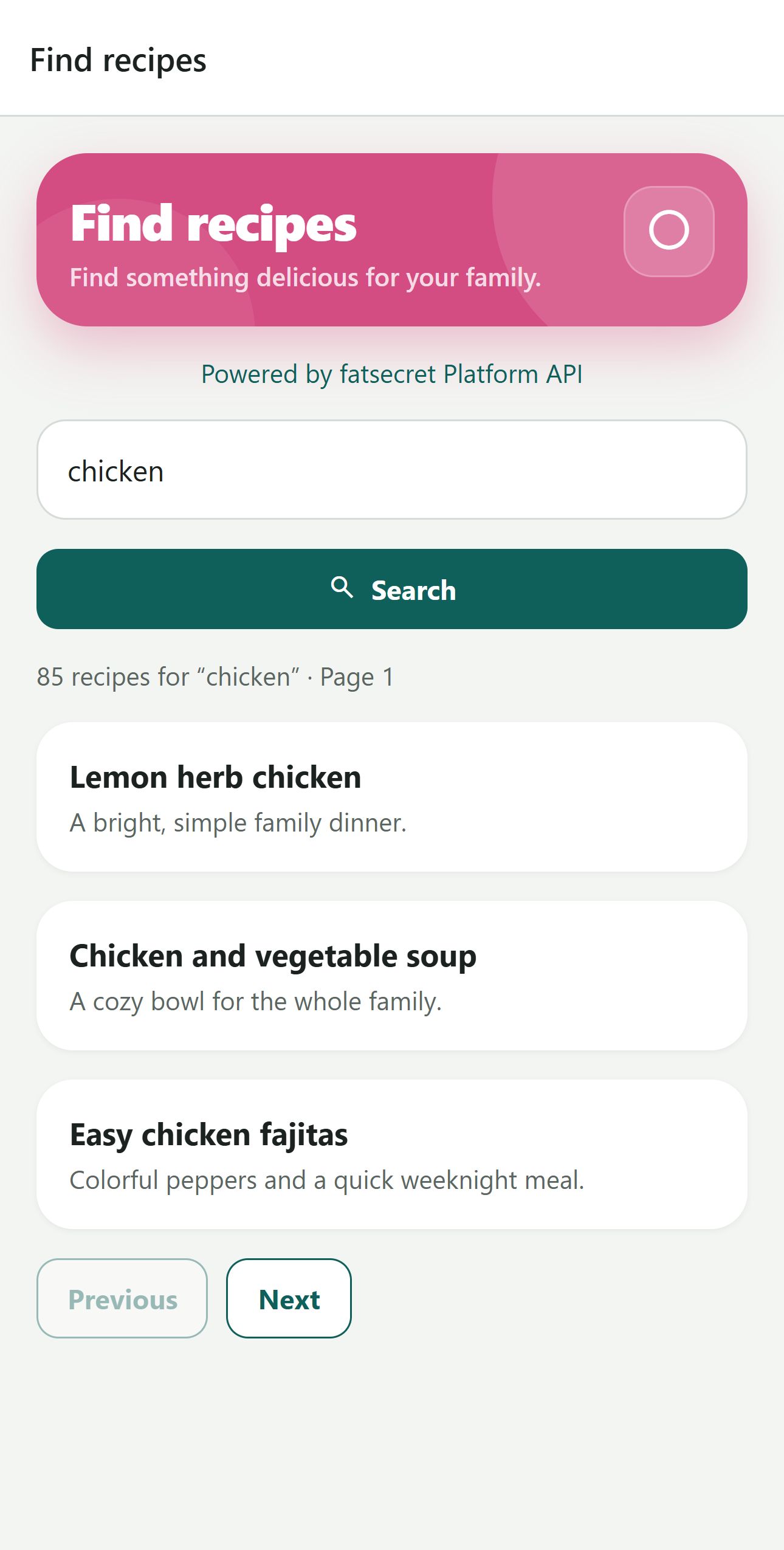
More than a place to make lists
A friendly rundown of family activity, upcoming plans and things that need attention. Mark yourself caught up when you’re ready.
Put the forecast alongside your plans. Choose widgets for messages, tasks, birthdays, pantry alerts, medications, school, pet care and more.
Arrange Favorites, customize Today, and change the bottom navigation. Profile pictures keep the people behind plans and messages in view.
Plan meals, keep a grocery list, scan pantry barcodes, discover recipes, log food, look up product information and search recalls.
Keep health records, medication schedules and dose logs. Look up medication names and available label information, with optional information sections.
Share family photos and videos up to 60 seconds. Filter memories by people, dates and uploader. Keep wishes with prices and stores, plus private parent decisions with Plus.
The demo uses fictional data. GPS, weather, searches and notifications are illustrative; no account is needed. Some app features require Family Plus.
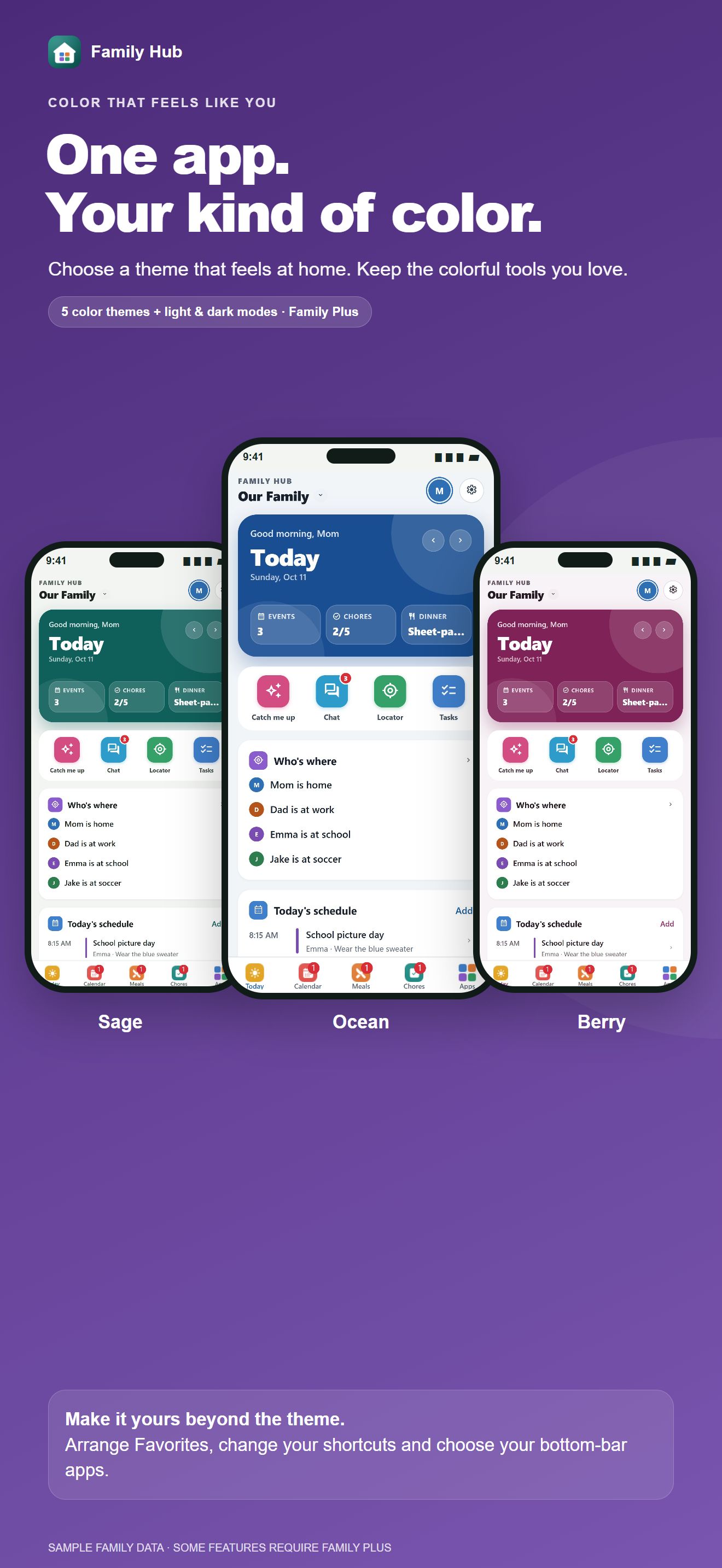
Same family. Your own style.
Sage, Ocean, Sunset, Berry or Slate. Make your space feel like yours with themes, light and dark modes, favorites and a personal Today overview.
Explore your toolbox
Planning, kitchen, family life and more—with familiar colors and a shared place to find it all. Some tools and advanced features require Family Plus.
A family space, by invitation
Create a family, share its code and approve join requests as a parent. Manage profiles, use parent PIN protections and choose the people in a group chat or shared note.
Gallery photos and short videos stay behind family access checks. Organize memories by dates, albums, people and uploader.
Set up your family and profiles.
They request to join with your family code. A parent approves.
Pick your favorites and Today widgets, then start sharing.
One subscription. Your whole family.
Everyday essentials for up to five family members.
$3.99 / month
Or $39.99 / year. One plan for the connected family.
US reference prices. Your store shows current prices, eligibility and trial offers. Subscriptions renew until canceled.
Free families have a 1 GB allowance; Family Plus includes 6 GB. Separate monthly subscriptions offer 25 GB total for $1.49 or 50 GB total for $2.49, shared by the family. Videos are limited to 60 seconds and 25 MB. Availability and current prices appear in the app's store checkout.
A few things to know
Yes. Connect both to the same family group to share data. Some operating-system features work differently on each platform.
No. One verified Family Plus subscription covers the connected family. Storage subscriptions are separate.
Yes. Adding your own meals is free. Recipe tools and discovery are part of Family Plus.
Use Settings in the app for data deletion and family membership options. Parents manage whole-family deletion. Read our privacy policy or support guide.
Your family hub is almost here
Family Hub is currently in beta. Public App Store and Google Play downloads will appear here after approval.
Already a tester? Update through TestFlight or your Google Play testing invitation.
Ask about testing ↗